Scan codes from your camera, and from photos too
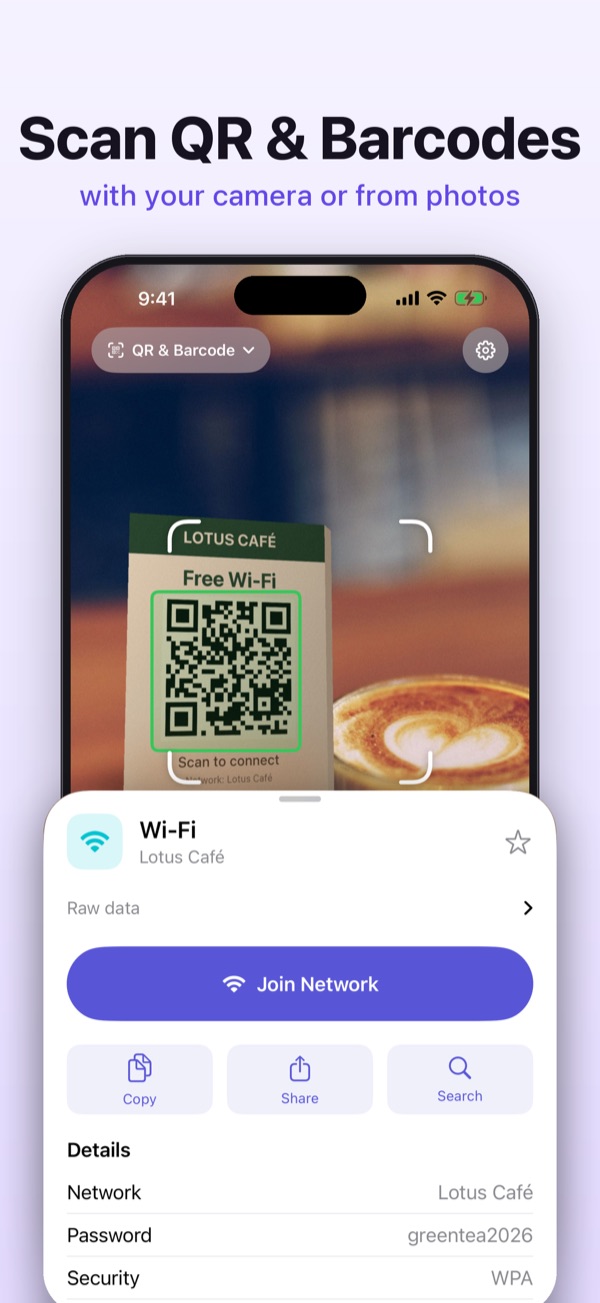
Scan any QR code or barcode with your camera, or straight from photos, screenshots and PDFs. Read Hidden Codes on packaging, see what a product is and where a link really goes. Results are never hidden behind an ad.

Everything a scanner should do
Fast on the camera, strong on images, and useful after the scan.
Scan anything, from anywhere
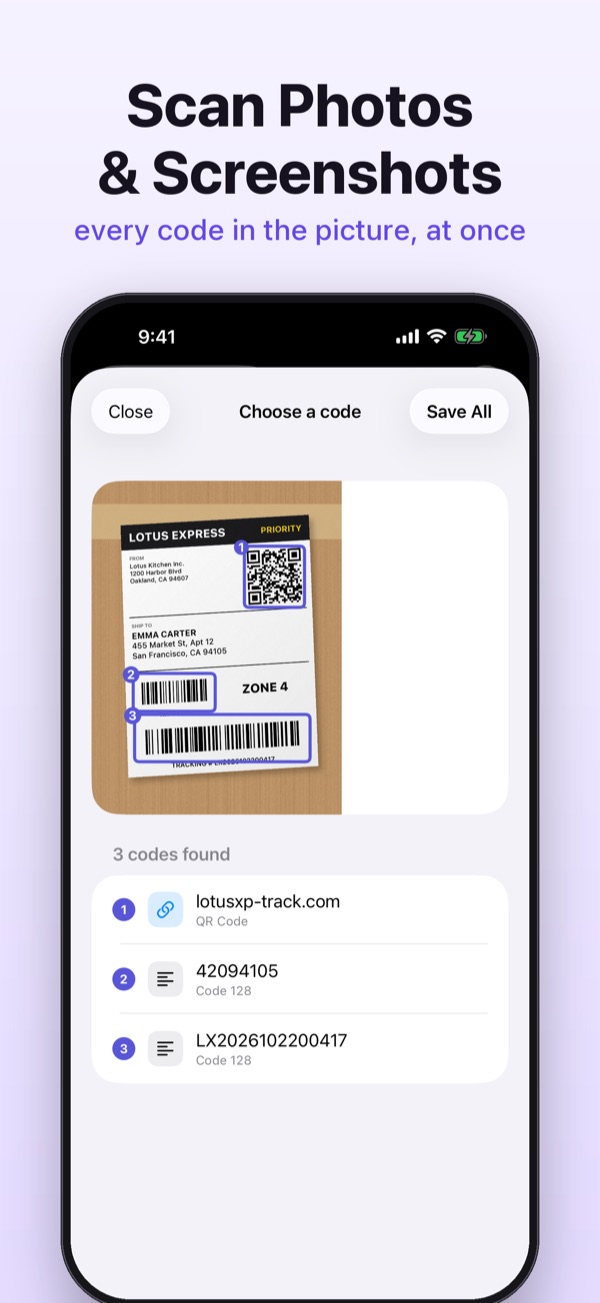
Point and scan, no button to press. Or pick photos, screenshots and multi-page PDFs, even several codes in one image. 17 formats including QR, Data Matrix, EAN and UPC.
Hidden Codes on packaging
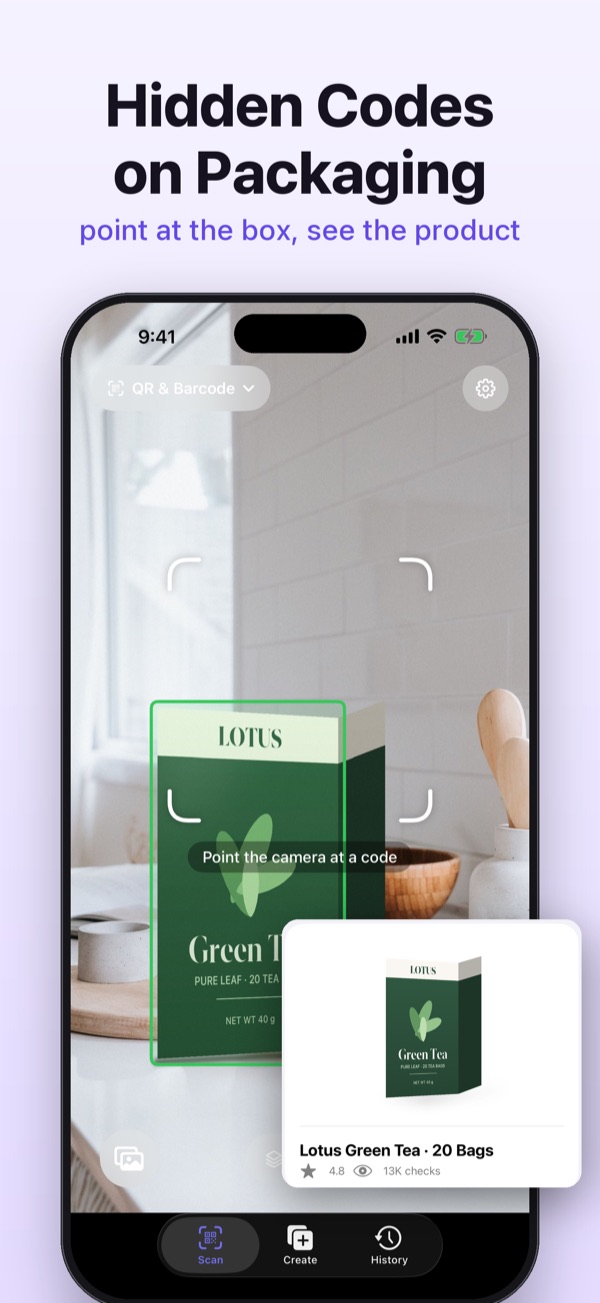
Some packaging carries a code woven invisibly into the artwork. Deep Scan reads it and shows the product behind it.
Know what you're buying
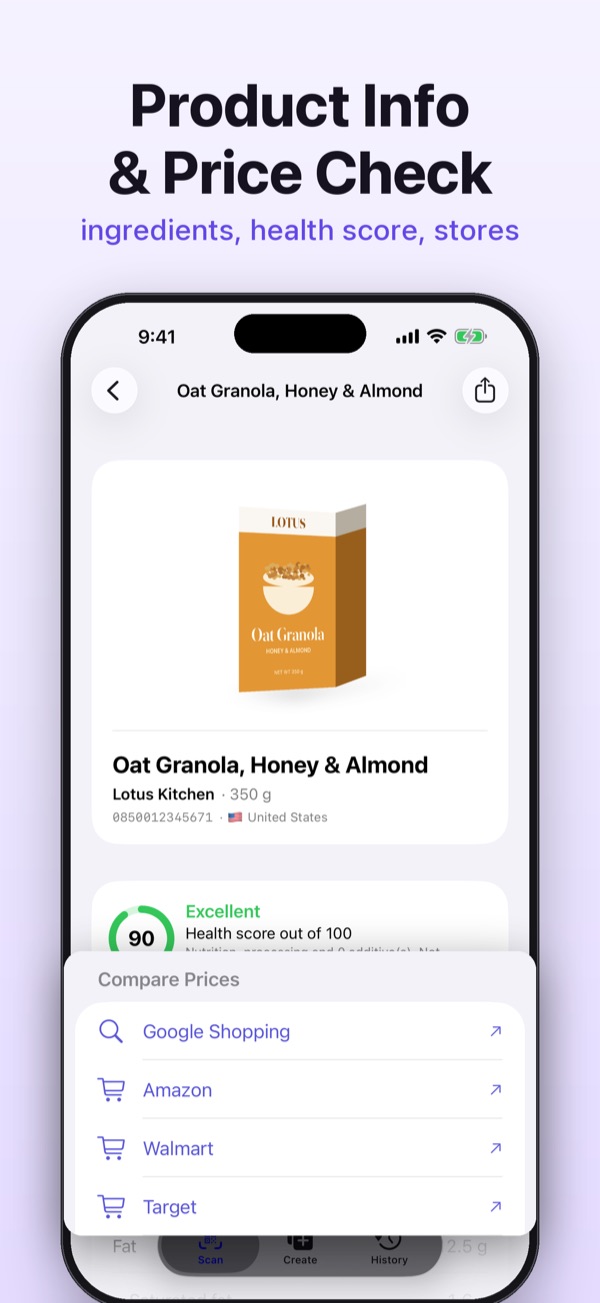
Product name, photo, ingredients and allergens, a health score for food, prices at popular stores in your country, and expiry reminders.
Safer links
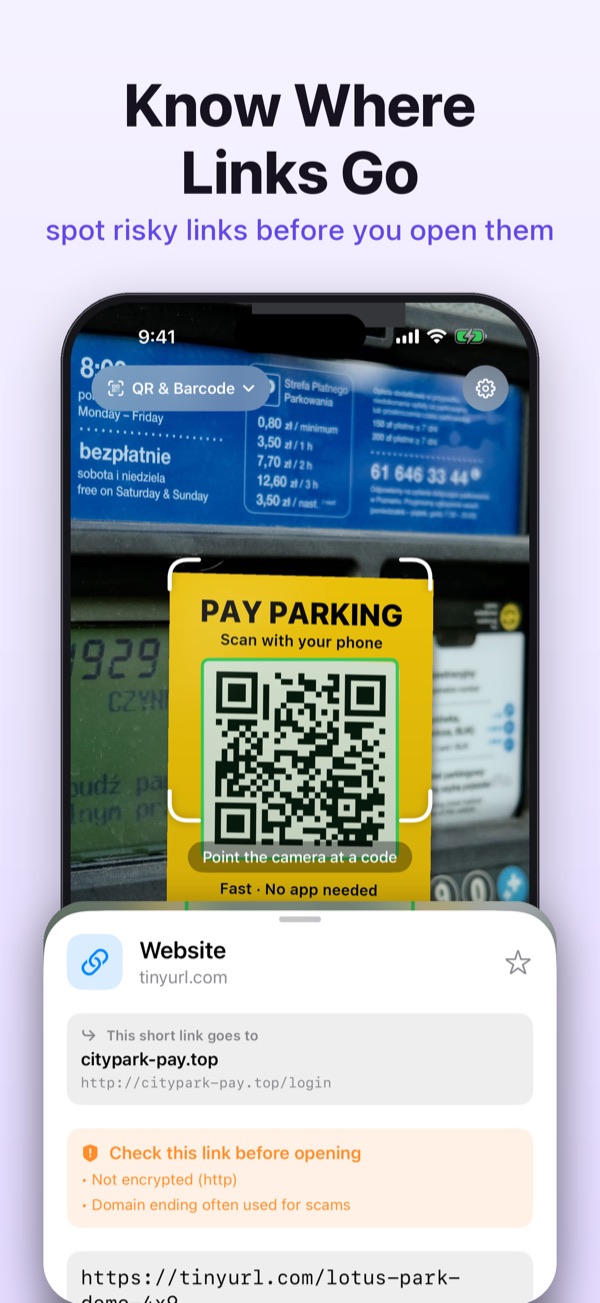
Warnings for lookalike domains and insecure pages, and see where a short link or dynamic QR code really leads before you open it.
Batch scan for inventory
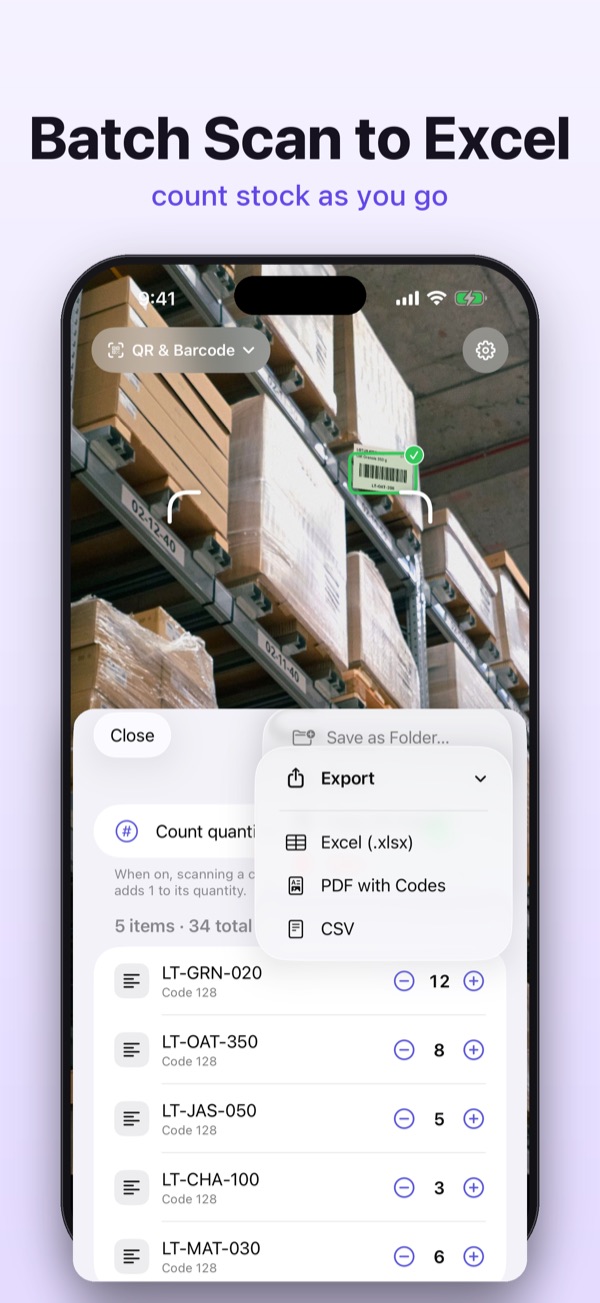
Scan item after item with quantities and a +1 button. Export to Excel, CSV or a PDF with an image of every code, or send each scan to your spreadsheet.
Create beautiful codes
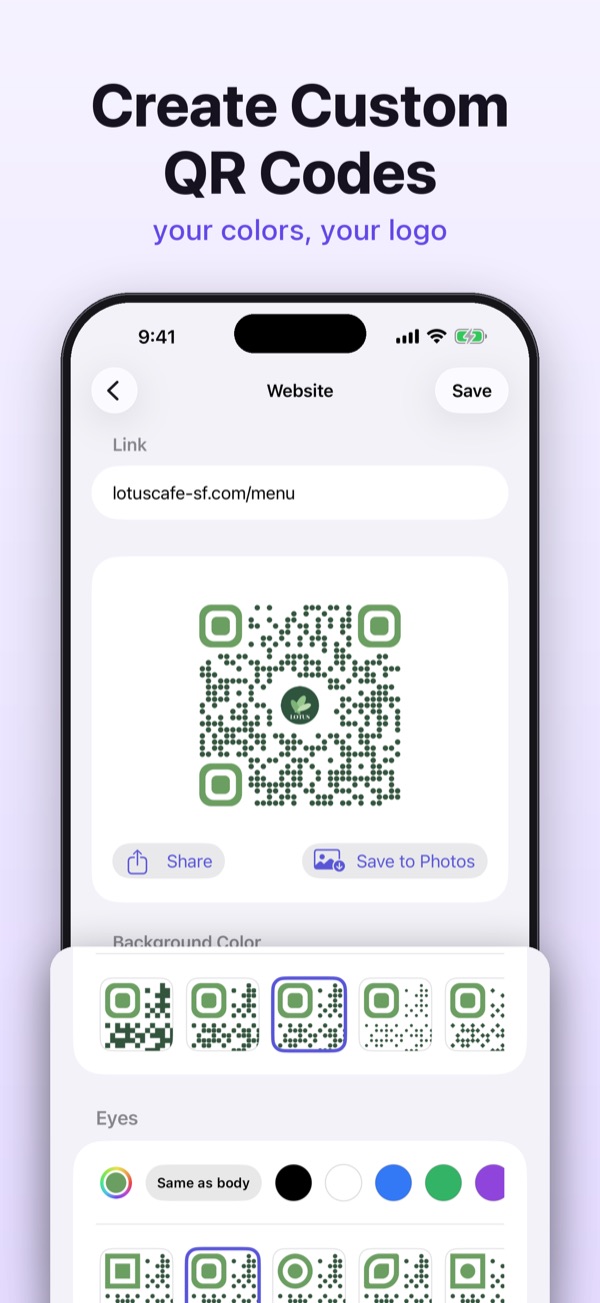
Wi-Fi, contacts, social profiles, VietQR and more, in your colors, dot styles and logo. Every code is checked to make sure it still scans.
More than codes
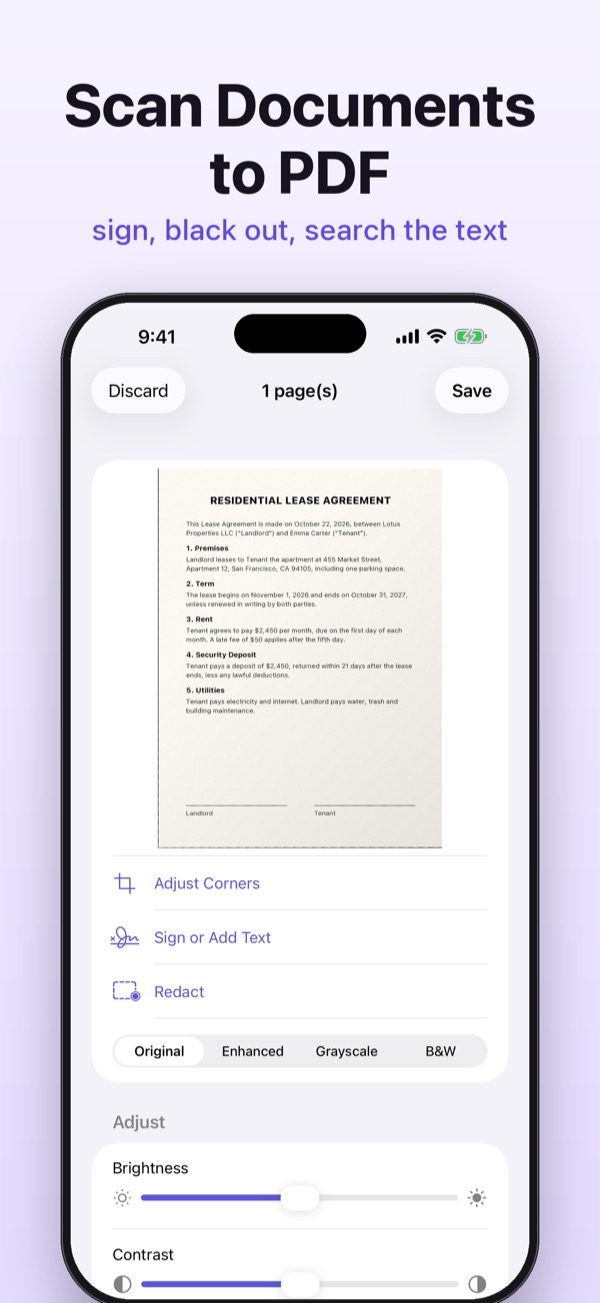
Scan documents to searchable PDFs, sign them and black out private details. Business cards go straight into Contacts. Snap a Sudoku and play it.
Always one tap away
Home Screen and Lock Screen widgets, Control Center, the Action Button, Siri and Shortcuts, and the Share Sheet in Photos, Safari and Files.
Your history, your device
No account, no sign-up. Your scans stay with you.
- Scans, documents and signatures are stored on your device
- Optional iCloud sync between your iPhone and iPad
- Lock your history with Face ID
- One-time passcodes (2FA) are never saved
- The app never asks for your location
- Ads never appear on top of a scan result
Support
Questions, problems or ideas? We're happy to help.
Contact
- Developer
- NT Gadget Team
- support@ntgadget.top